How to Use Exclusive Google TV Features for Better Streaming
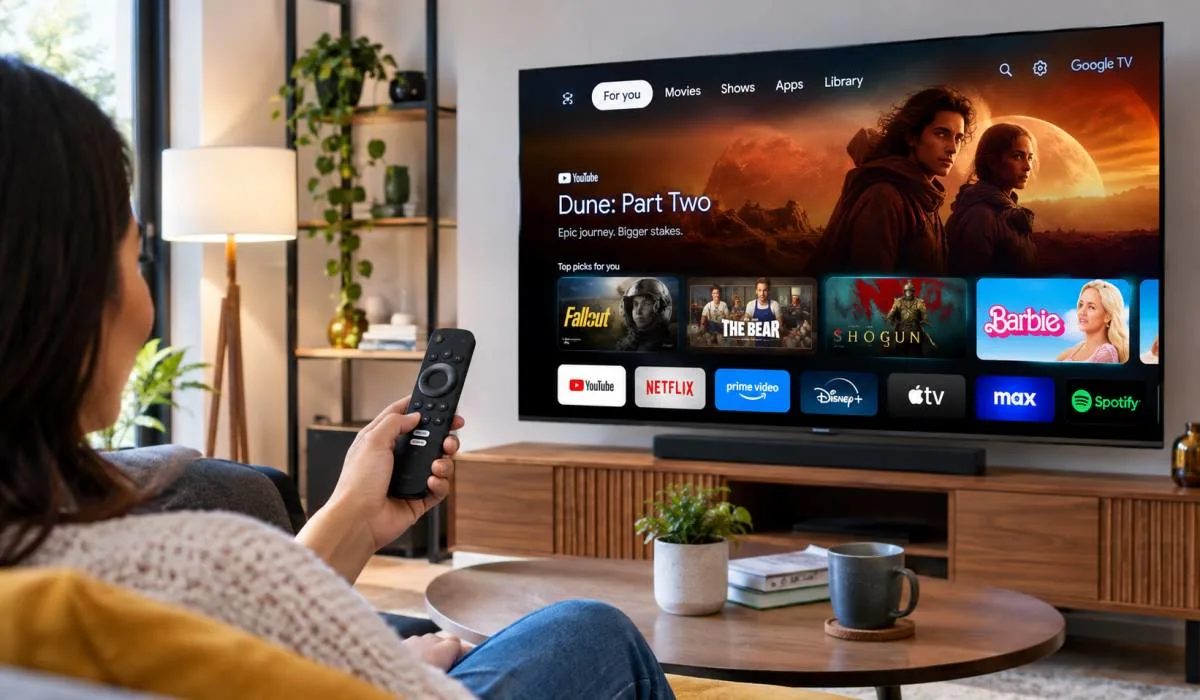
Google TV is more than a streaming interface. It has hidden tools that most people never touch. Learning how to use exclusive Google TV features changes how you watch television. You can access thousands of free movies and live channels through Freeplay.
You can adjust your picture settings with just your voice using Gemini. You can turn your phone into a remote. You can set up separate profiles for every family member. These features are built in. They do not cost extra. They are not buried in complicated menus. This guide shows you exactly where to find them and how to start using them today.
Use Google TV Freeplay for Free Content
Google TV Freeplay is a built-in streaming service that offers free, ad-supported content. You do not need a subscription or an app download to access it . The service now includes over 10,000 on-demand movies and shows, plus more than 300 live channels .
How to Find Freeplay?
Open the Freeplay app from your Google TV home screen. You can also access it through the Live tab . The on-demand catalogue includes titles from studios like A24 and Lionsgate, with movies such as Lady Bird and shows like Hell's Kitchen .
What You Can Watch?
The live channel lineup covers news, sports, reality TV, true crime, and entertainment. Recent additions include Bloomberg TV Plus, Yahoo! Sports Network, and The Martha Stewart Channel . The on-demand section lets you pick what you want to watch instead of tuning into whatever is currently playing .
Read More: Exclusive Google Search Updates 2026: Biggest Changes Ever
Control Your TV Settings with Gemini
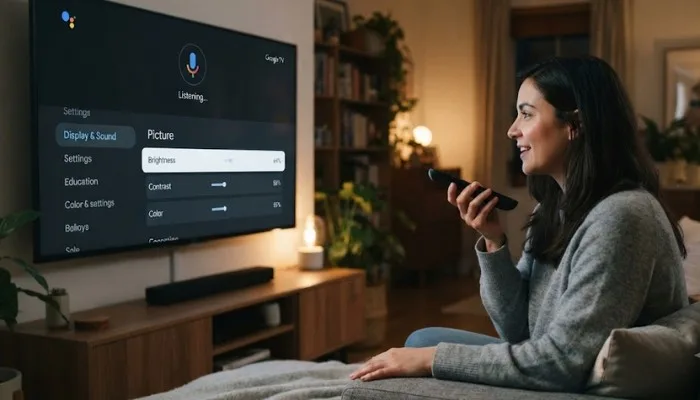
Gemini, Google's AI assistant, can now adjust your TV's picture and audio settings through natural voice commands. You do not need to navigate through menus or know technical terms .
How to Use It?
Press the microphone button on your remote and speak a command. For example, say "Set picture mode to Movie" or "Improve the dialogue" . If something looks wrong, tell Gemini "The screen is too dark" and it will attempt to fix the issue .
What It Can Adjust?
Gemini can change brightness, contrast, picture mode, volume, and EQ settings. You can also use it for troubleshooting. Ask it to make the picture more cinematic for movie night, and it will adjust the settings for you .
Availability
This feature is currently limited to select TCL models in the US: QM9K, X11L, QM9L, QM8L, and RM9L. Google says it will expand to more devices over time .
Use the Google TV App as a Remote
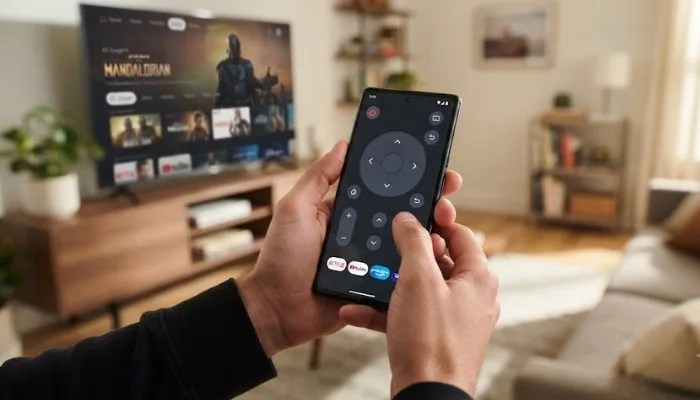
The Google TV mobile app turns your phone into a remote control. You can install it on Android or iOS devices at no charge .
What You Can Do?
The app lets you play movies and shows, control media playback, turn the TV on or off, adjust volume, and use voice search. You can also type text using your phone's keyboard, which is much faster than using the on-screen keyboard with a remote .
How to Connect?
Open the Google TV app on your phone. Tap the TV icon at the bottom right. Select your device from the list. Enter the code shown on your TV screen to pair them .
Manage Profiles for Personalized Recommendations
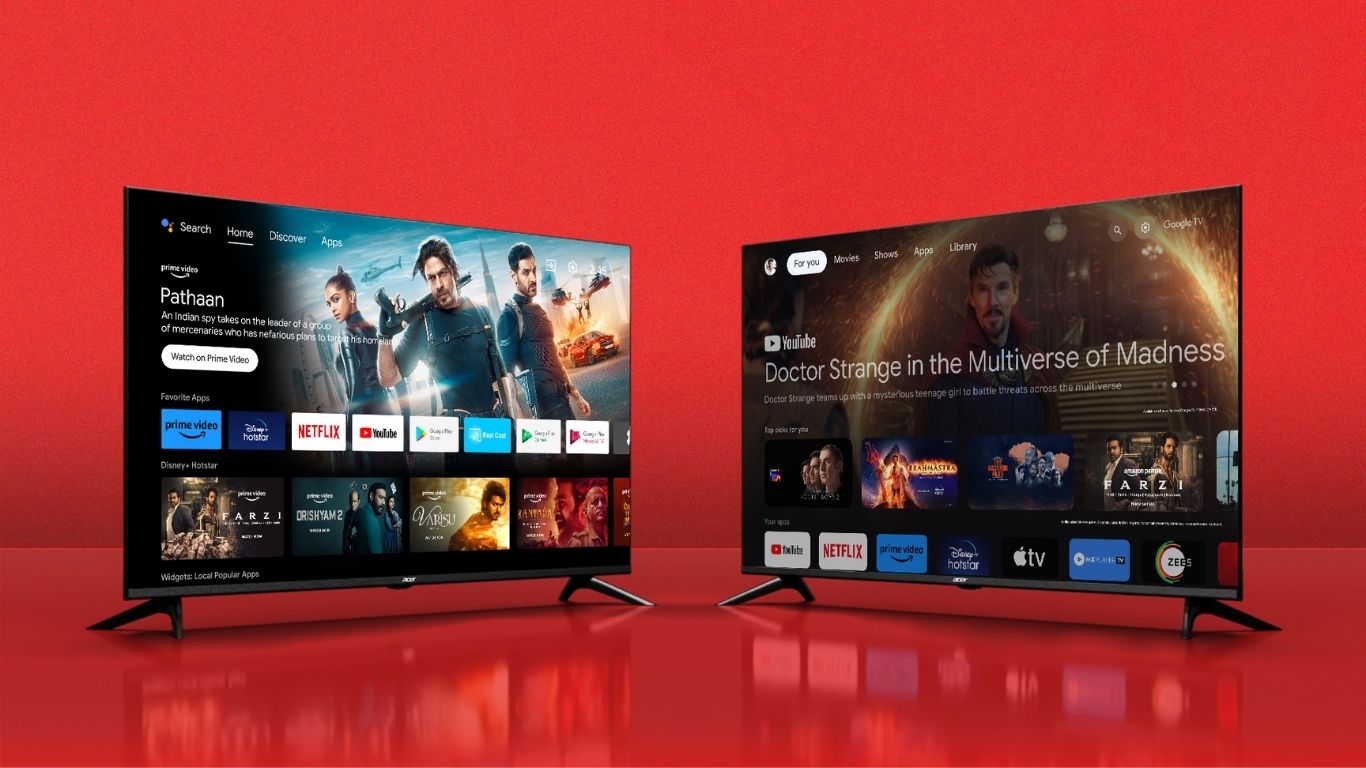
Google TV supports multiple user profiles, unlike Android TV. Each profile gets its own personalized recommendations based on viewing activity .
How to Set Up Profiles?
Go to your profile icon on the Google TV home screen. Select "Add profile" and follow the instructions. You can create separate profiles for each family member. Parents can set up child profiles with content restrictions and screen time limits using Google Family Link .
Why It Matters?
With individual profiles, everyone sees recommendations suited to their own taste. You will not see suggestions for your partner's reality TV shows or your child's cartoons .
Get AI-Generated Images and Videos on Your TV
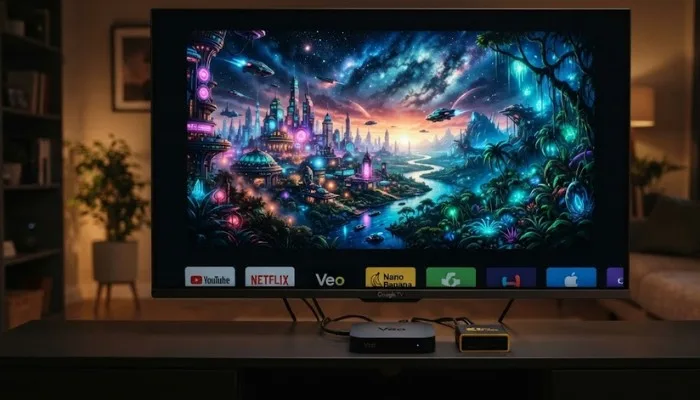
Google TV now includes creative tools powered by Nano Banana and Veo. You can generate images and videos directly on your television using voice prompts .
How to Access?
Open the Gemini tab on your Google TV. Select "Create." Choose Images or Videos and describe what you want .
What You Can Create?
Nano Banana generates images. You could say "make my dad wear a hilarious outfit" to edit a family photo. Veo creates videos from scratch or adds motion to existing photos. You can also use Photos Remix to reskin pictures in artistic styles like watercolour or oil painting .
Availability
These features are rolling out first to Gemini-enabled TCL Google TVs in the US. Dynamic slideshows are available globally on eligible devices .
You May Read Also: Exclusive Google Expert for Startups: Get Expert Support to Scale
Use Google Assistant for Smart Home Control
Google Assistant is built into Google TV. You can control smart home devices with voice commands .
What You Can Control?
Ask Google to dim the living room lights, adjust the thermostat, or turn on smart plugs. You can also ask for sports scores, calculate percentages, translate phrases, and get definitions .
How to Activate?
Press the Google Assistant button on your remote and speak your command. You can also use the wake word if your device supports it .
FAQs
1. What is Google TV Freeplay and is it really free?
Google TV Freeplay is a built-in streaming service with free, ad-supported content. It includes over 10,000 on-demand movies and shows, plus 300+ live channels. No subscription is required, but you will see ads .
2. How do I use Gemini to adjust my TV settings?
Press the mic button on your remote and speak naturally. For example, "Set picture mode to Movie" or "The screen is too dark." Gemini will adjust the settings for you. This feature is currently limited to select TCL models in the US .
3. Can I use my phone as a Google TV remote?
Yes. Download the Google TV app on your Android or iOS device. Connect it to your TV by entering the code shown on screen. You can then control playback, volume, and use voice search .
4. What is the difference between Google TV and Android TV?
Google TV is the newer interface built on top of Android TV OS. It focuses on content rather than apps, supports multiple user profiles, and has a dedicated Live tab. Android TV is still supported but has fewer personalization features .
5. Is Google TV free to use?
The Google TV operating system is built into your TV or streaming device at no extra cost. The Google TV mobile app is also free. You only pay for subscriptions to services like Netflix or Disney+ if you choose to use them .
.
.webp)

.webp)