How Google Indexes Video Content A Complete Step by Step Guide
You put a video on your website. You want people to see that video when they search on Google. But Google cannot see a video like you see it. Google needs to read the video first. This reading process is called indexing. If Google does not index your video, your video will never show up in search results.
In this article, you will learn how Google indexes video content. You will also learn how Google search engine works step by step. You will learn how to index YouTube video on Google.
What is Video Indexing ?
Video indexing is the process where Google finds your video, reads the information about your video, and stores that video in its list. This list is called the index. Once your video is in the index, Google can show it to people who search for topics related to your video.
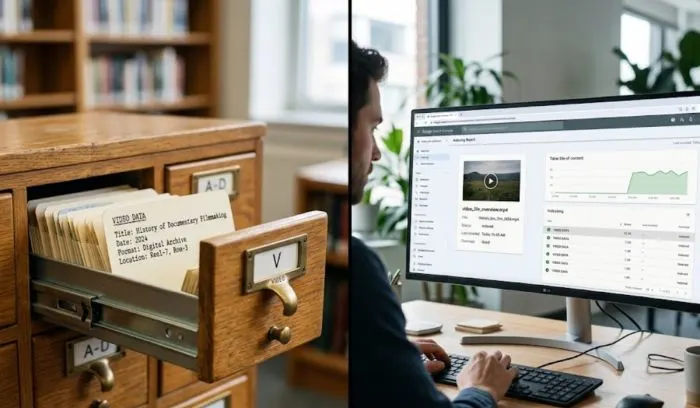
Think of a library. A library has many books. But you cannot find a book if the library does not have a card for that book. Video indexing is like making a library card for your video. Without that card, your video is invisible to Google.
So when you ask "what is video indexing", the answer is: it is Google’s way of discovering and saving your video so it can be shown in search results.
Read More: How to Optimize Videos for Google Search | Video SEO
How Google Search Engine Works Step by Step
Before you understand video indexing, you must know how Google search engine works step by step. Google does three main things.
Step One – Crawling
Google sends small computer programs called crawlers. These crawlers go from one webpage to another by following links. They find new pages and new videos. Crawling is like Google walking through a big city and looking at every house.
Step Two – Indexing
After Google crawls a page, it tries to understand what that page is about. It looks at the words, the titles, the headings, and the videos on that page. Then it stores that information in a big database. This is the index. Indexing is like Google taking notes about every house it saw.
Step Three – Ranking
When someone types a question on Google, Google looks inside its index. It finds the most relevant answers. Then it puts the best answers on the first page. This is ranking. Ranking is like Google telling you which house has the thing you are looking for.
Now that you know how Google search engine works step by step, you can see where videos fit. Videos are part of the crawling step. But they need special treatment during indexing. Let us talk about that next.
How Google Indexes Video Content – The Full Process
This is the main part of our guide. Here is exactly how Google indexes video content.
First – Google Finds Your Video
Google finds your video in three ways. One, you put a link to the video on a page that Google already knows. Two, you submit a video sitemap. Three, Google discovers your video through links from other websites.
If your video is on a brand new page with no links from outside, Google may take a long time to find it. So always link to your video page from another page on your website. Or share the link on social media.
Second – Google Reads the Video Page
Google does not watch your video like a human. Google reads the text around the video. Google looks at the page title. It looks at the headings. It looks at the words near the video player. It also looks at the video file name.
This means you must write a clear title for the page. You must write a simple description of the video. And you must put the video in the main part of the page, not hidden in a side column.
Third – Google Looks for Video Markup
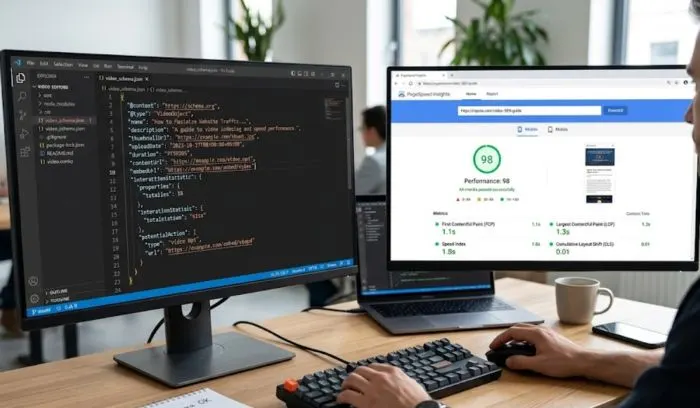
Video markup is a small piece of code you put on your webpage. This code tells Google exactly what your video is about. It tells Google the video title. It tells Google the video description. It tells Google the video thumbnail image. And it tells Google the video duration.
You do not need to be a coder. Many website builders like WordPress have plugins that add this markup for you. Just search for "video SEO plugin" in your plugin store.
Fourth – Google Checks if the Video is Available
Google tries to play the video. If the video takes too long to load, Google may stop. If the video is behind a login page, Google cannot index it. If the video format is very old or broken, Google cannot index it.
So make sure your video loads fast. Use common video formats like MP4. Do not put your video behind a sign in wall.
Fifth – Google Stores the Video Information
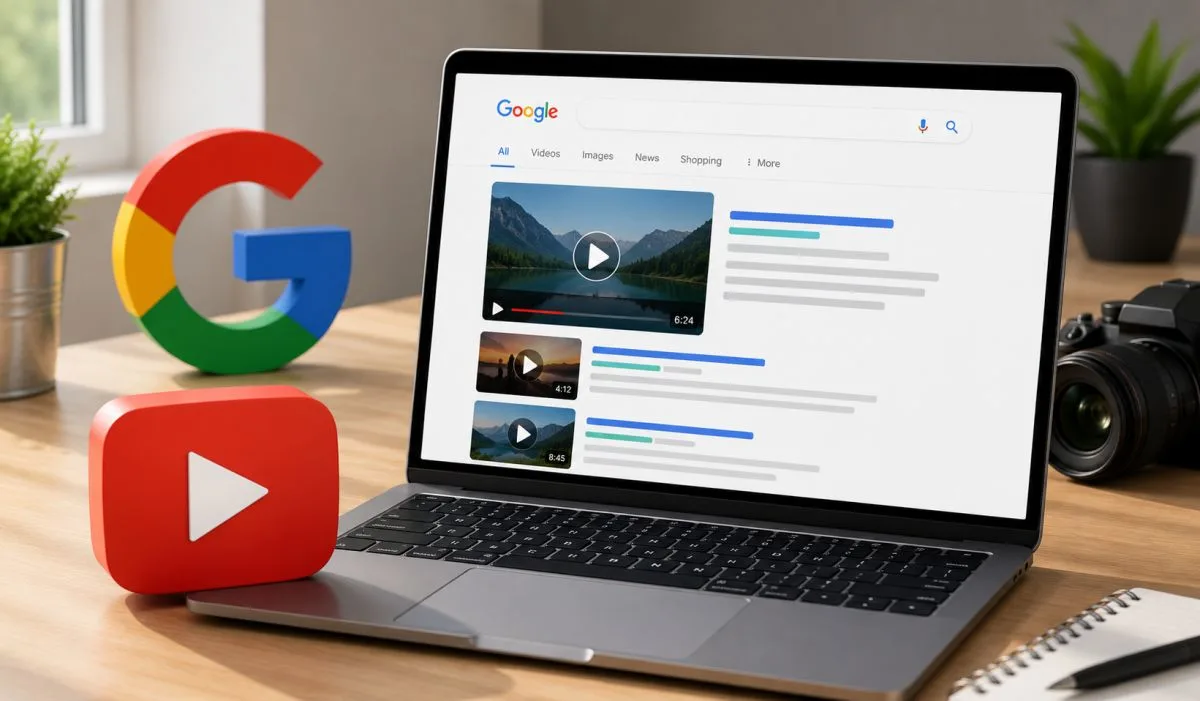
Once Google checks everything, it saves the video information in its index. This is the final indexing step. After this, your video can appear in Google search results. Sometimes Google also shows your video in the video tab and in the main search results.
How to Index YouTube Video on Google?
Many people upload videos to YouTube. They want those videos to show up on Google search. Here is how to index YouTube video on Google step by step.
Step One – Upload Your Video to YouTube
This is simple. Log into YouTube. Click the upload button. Add a title. Add a description. Add tags. Choose a category.
Step Two – Make Your YouTube Video Public
If your video is private or unlisted, Google cannot index it. Only public videos can be indexed by Google. So set your video to public.
Step Three – Add a Good Title and Description
The title of your YouTube video is very important. Use plain words that people actually search for. For example, do not write "Amazing video about indexing". Write "how to index a video on Google". The description should be at least two hundred words. Explain exactly what the video shows.
Step Four – Use a Clear Thumbnail
Google looks at the thumbnail image. A clear and simple thumbnail helps Google understand the video topic. Do not use messy or confusing images.
Step Five – Wait for Google to Crawl YouTube
Google crawls YouTube very often. YouTube is a Google company. So Google knows about most YouTube videos within a few hours. But if you want faster indexing, you can share the YouTube link on social media. You can also link to the YouTube video from your own website. This gives Google more signals to index your video faster.
Step Six – Check if Your YouTube Video is Indexed
Go to Google and type site:youtube.com your video title. If your video shows up, it is indexed. If not, wait one more day. Then check again.
That is how to index YouTube video on Google. It is mostly automatic. But the title and description decide whether Google will show your video for a search term.
Why Some Videos Are Not Indexed by Google?
Sometimes you do everything right but your video is still not indexed. Here are the common reasons.
Reason One – No Text on the Page
If your webpage has only a video and no words, Google cannot index it. You must write at least three hundred words on the page. Explain what the video is about. Use headings. Write simple sentences.
Reason Two – The Video is Too Large
Very large videos take a long time to load. Google may give up before the video loads. Keep your video file size small. Use video compression tools. A good size is under fifty megabytes for a two minute video.
Reason Three – The Video is in a Wrong Format
Google likes MP4 videos. If you use a very old or rare video format, Google may not index it. Always use MP4 for best results.
Reason Four – No Video Sitemap
A video sitemap is a file on your website that lists all your videos. It tells Google exactly where to find each video. If you have many videos, a video sitemap helps Google index them much faster.
You can make a video sitemap using online tools or plugins. Then submit that sitemap to Google Search Console.
Simple Steps to Help Google Index Your Video Faster
Here is a checklist you can use right now.
- Put your video on a page with at least three hundred words of text.
- Write a clear page title that describes the video.
- Write a simple description that repeats the main topic.
- Use MP4 video format.
- Make sure the video loads in under three seconds.
- Add video markup to your webpage.
- Link to the video page from your homepage or from a blog post.
- Submit your page URL to Google Search Console under URL inspection.
- If you use YouTube, set the video to public and write a long description.
Follow these steps and Google will index your video within a few days.
Final Words
Video indexing is not hard. You just need to help Google understand what your video shows. Write clear words around your video. Use a simple title and make sure the video loads fast and tell Google about your video through a sitemap or markup.
Now you know how Google indexes video content. You also learned how Google search engine works step by step. You learned how to index YouTube video on Google. And you can now answer what is video indexing to anyone who asks.
Go ahead. Put your video on a page with good text. Follow the steps in this guide. And check Google after a few days. Your video will be there.
FAQs
Can Google index a video without text on the page?
No. Google needs text to understand the video. Always add text.
Does Google index every YouTube video?
Google tries to index every public YouTube video. But videos with no title, no description, or very bad quality may not be indexed.
How long does video indexing take?
It can take a few hours to a few weeks. New websites take longer. Old websites with good content are faster.
Do I need to pay for video indexing?
No. Google never charges money for indexing. Anyone who asks for payment to index your video is not telling the truth.
What is the best video length for indexing?
Any length works. But Google prefers videos that answer a clear question. Short videos of one to three minutes are often indexed faster.
.
.webp)