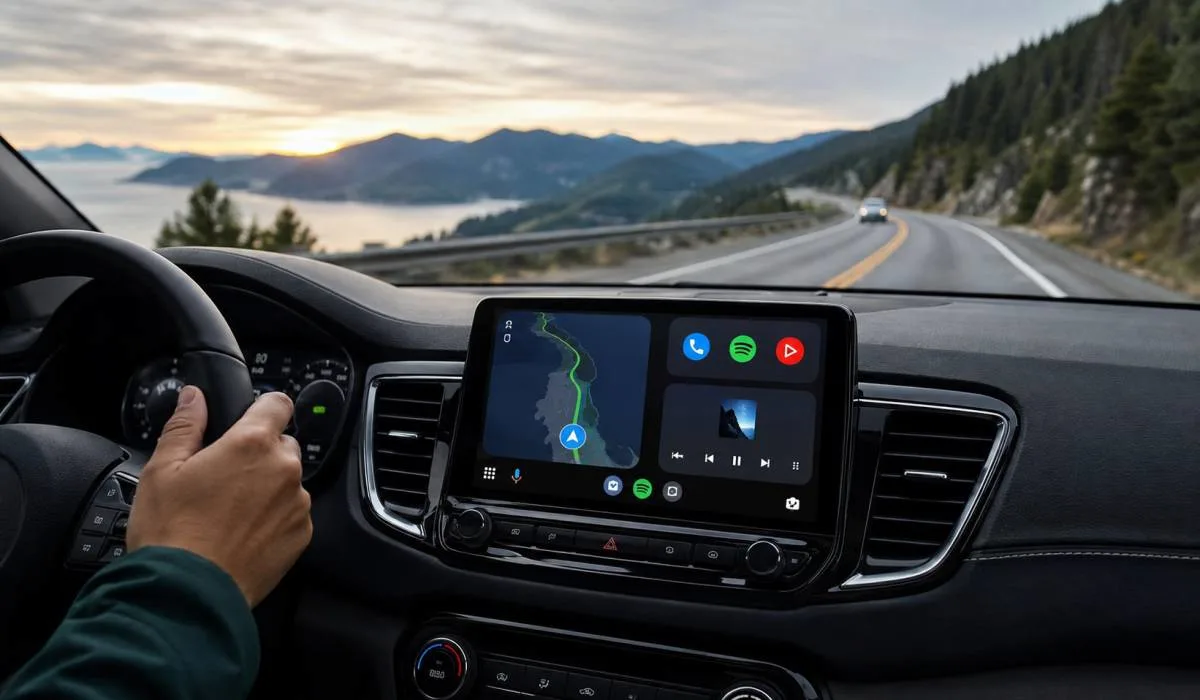
Best Android Auto Apps for Driving Beyond Maps and Music
Android Auto makes driving safer and easier. It brings your phone's best features to your car dashboard. But most people only use navigation and music apps. They miss out on so much more. The best Android Auto apps for driving go beyond maps and playlists. They help you find cheap gas, book parking spots, track fuel costs, and check weather. Some even work offline when you lose signal.
This matters a lot in India where network coverage can be patchy. This article covers the top apps across navigation, utilities, and entertainment. We also highlight the best free options and offline apps that actually work when you need them most.
Essential Navigation Apps for Every Trip
Navigation is the core of Android Auto. While Google Maps is great, some other apps offer unique features that you might find useful.
Google Maps: The Reliable Standard
Google Maps is practically the backbone of Android Auto. It is hard to beat for its ease of use and reliability . It gives you accurate turn-by-turn directions, real-time traffic updates, and suggests faster routes when there are jams .
A key feature that makes it great for driving is offline maps. You can download maps of your city or route before you leave. If your signal drops, the app still guides you turn by turn . The voice guidance and lane directions keep working without a hitch. This reliability is a lifesaver on long drives through areas with spotty coverage .
TomTom Go: Offline Maps and Premium Features
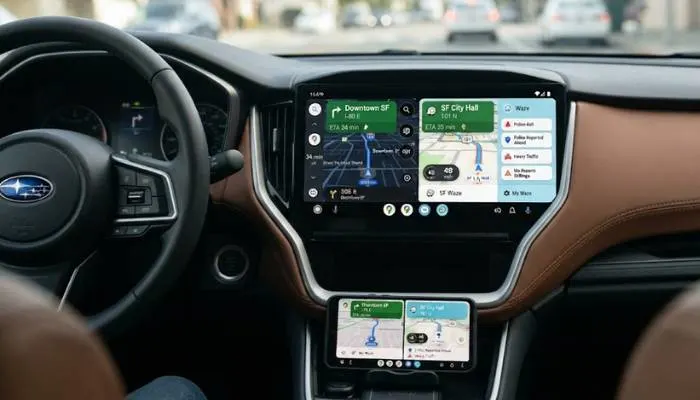
TomTom Go is a strong alternative, especially if you want offline navigation. You can download full 3D maps to your phone, so you do not need a stable internet connection to find your way . This is a huge plus for road trips in remote areas.
Beyond offline maps, TomTom Go shines with its traffic updates that are impressively accurate . It recalculates routes quickly when it detects road closures or construction . It also includes helpful features like speed camera alerts and lane guidance, which make navigating complicated highway interchanges much less stressful . The app requires a subscription after a free trial, but many users find it worth the cost for the peace of mind it offers .
Waze: The Social Navigator
Waze is another popular choice, known for its community-driven approach. Drivers share real-time information about traffic, accidents, police traps, and other hazards . This helps you find the fastest route and avoid surprises on the road.
Read More: How to Customize Android Auto Home Screen – A Complete
Must-Have Utility Apps for a Smoother Drive
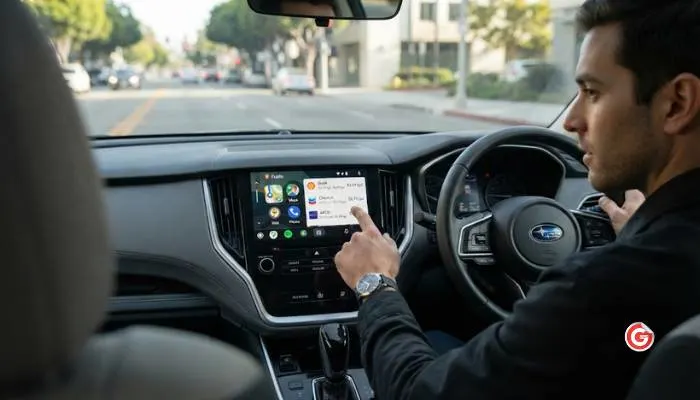
These utility apps add a layer of convenience and practicality to your driving, solving common problems like finding cheap gas and dealing with traffic.
Fuelio: Track Your Fuel Costs
Fuelio is a fantastic utility app, especially for road trips. It helps you track your fuel expenses by logging each fill-up . You can record the amount of fuel, the cost, and your odometer reading.
The app then calculates your average fuel economy and cost per kilometer . This is useful for understanding the true cost of your journey. Fuelio also shows you the closest gas stations and current prices, helping you save money on the go .
SpotHero: End Parking Anxiety
Finding parking in a busy city is often frustrating. SpotHero solves this problem by letting you find and reserve a parking spot in advance .
You enter your destination, browse available garages or lots, and book a spot. The app sends you a digital parking pass for easy entry . This is a huge time-saver, especially for events, concerts, or trips to crowded downtown areas .
MyRadar: Check Weather on the Go
Weather can change a good trip into a stressful one. MyRadar gives you a quick visual snapshot of incoming storms or clear skies . It shows real-time radar information, letting you see where storms are and where they are headed . This can help you decide if you can make it to your destination or if you should wait out the bad weather .
Entertainment Apps to Enjoy the Ride
A good playlist or a captivating story can make a long drive much more enjoyable. Here are some top media apps.
YouTube Music and Spotify: For Music Lovers
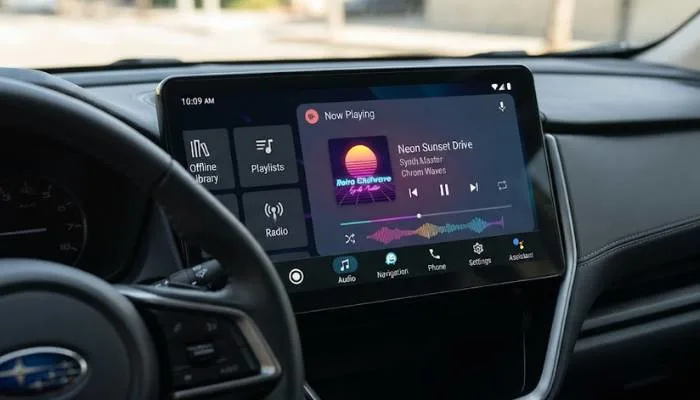
Streaming music is essential for many drivers. YouTube Music is a versatile choice as it covers music, podcasts, and even local audio files . It works smoothly with Gemini integration, allowing for natural voice commands .
For offline listening, both YouTube Music and Spotify let Premium users download songs and playlists. This is a game-changer for long drives through areas with poor or no network coverage .
Audible: For Audiobook Fans
If you are an avid audiobook listener, Audible is the gold standard . It has a massive library covering every genre. The app is compatible with Android Auto, so you can listen to your favorite books while you drive . The interface is simple and safe to use on the road.
Musicolet: A Free Offline Music Player
Musicolet is a completely offline music player. It has no ads and does not require internet permission, making it great for privacy and reliability . It supports many formats like MP3 and FLAC and features a powerful equalizer, gapless playback, and tag editing . The Android Auto interface is efficient and lets you access all your playlists and folders easily .
Offline Apps for When the Signal Drops
Driving in India often means facing patchy internet. Having apps that work offline is not a luxury, it is a necessity . These apps keep working when your connection fails.
-
Google Maps: Download offline maps before your trip for uninterrupted navigation .
-
YouTube Music / Spotify (Premium): Download your favorite playlists for offline playback .
-
Pocket Casts: This podcast app can automatically download new episodes over Wi-Fi, so they are always ready to play, even without a signal .
-
Musicolet: Plays your music files stored on your phone without needing any internet connection .
-
VLC: A versatile player that can play any media files you have on your phone .
You May Also Read: How to Fix Android Auto Connection Problems Easily
Best Android Auto Apps for Driving Free
Many excellent Android Auto apps are completely free to use. Here are some of the best ones.
| App Name | Category | Key Free Feature |
|---|---|---|
| Google Maps | Navigation | Turn-by-turn navigation, offline maps |
| Waze | Navigation | Real-time traffic and hazard alerts |
| Musicolet | Music | Ad-free offline music player, no internet required |
| TuneIn Radio | Radio | Access to thousands of global radio stations |
| Fuelio | Utility | Fuel logging, cost tracking, gas price finder |
| SpotHero | Utility | Find and book parking spots |
| VLC | Media | Play any media file on your phone |
FAQs
1. Which Android Auto app is best for offline navigation?
Google Maps works well offline if you download maps beforehand. TomTom Go is a premium alternative with full offline maps, live traffic, and speed camera alerts. For open-source options, OsmAnd and Organic Maps also offer offline navigation with an emphasis on privacy.
2. Are there any good free Android Auto apps?
Yes. Musicolet is a great free offline music player. TuneIn Radio gives you access to thousands of free radio stations. Fuelio helps you track gas costs for free. Google Maps and Waze are also free navigation apps.
3. Can I play games on Android Auto?
Yes. Android Auto has a Gamesnacks app with simple games like Solitaire. You can also install games like Angry Birds Friends, Beach Buggy Racing, and Candy Crush Soda Saga. These are designed for short sessions and only work when your car is parked.
4. What Android Auto app is best for tracking fuel costs?
Fuelio is a top choice. It lets you log fill-ups, track mileage, and see your average fuel economy. It also shows nearby gas stations and current prices.
5. Can I use Android Auto without an internet connection?
Yes, for certain functions. You can download offline maps in Google Maps. Music apps like Musicolet play files stored on your phone. Pocket Casts can download episodes over Wi-Fi for offline listening.
.
.webp)


.webp)