How to Convert Wired Android Auto to Wireless: A Simple Guide
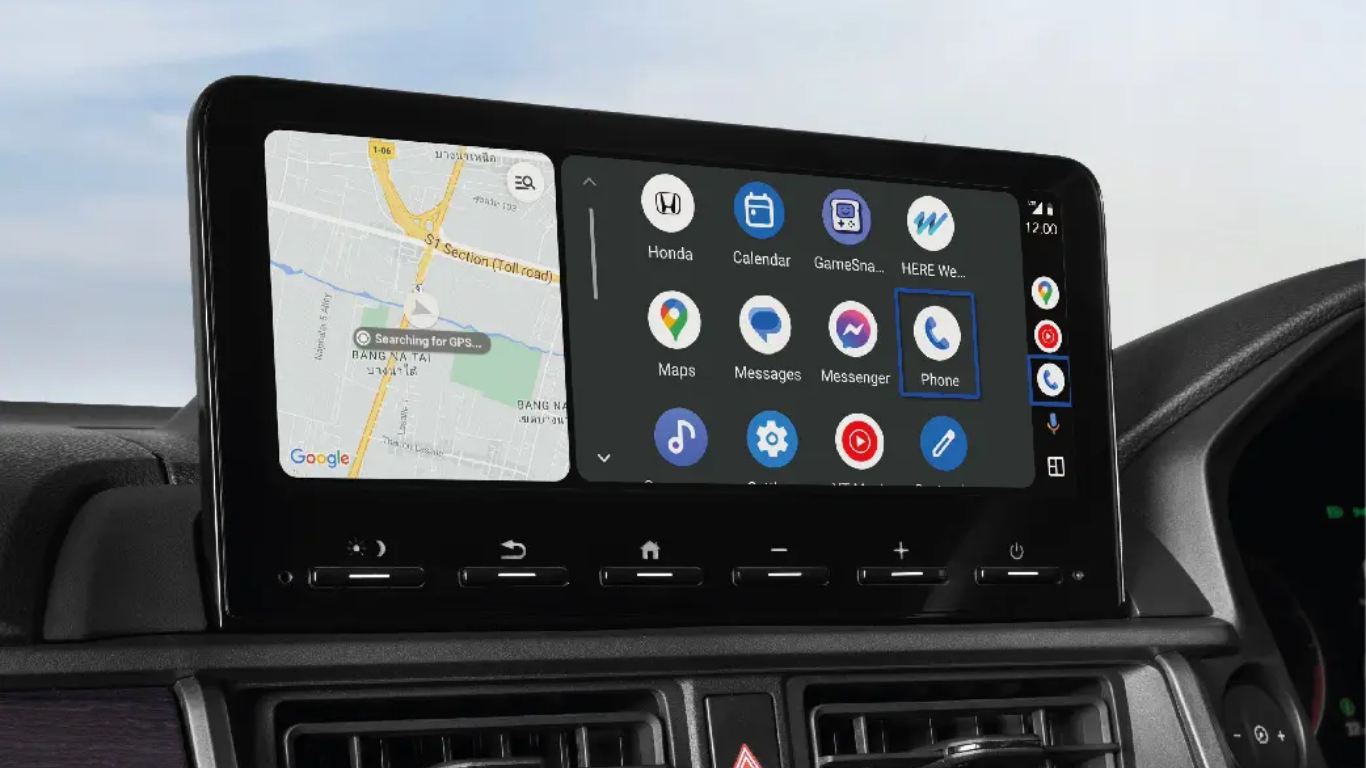
That cable gets annoying fast. It tangles. It wears out. It gets in the way every time you get in the car. So you want to cut it. Learning how to convert wired Android Auto to wireless is simpler than you think. You have options. Some cars already support wireless. You just need to turn it on. Others need a small adapter.
It plugs into your USB port. It pairs once with your phone. After that, it connects automatically every time you start the car. No cable. No hassle. This guide covers every option, from the easiest fix to the most affordable adapter in India. Read on and cut that cord for good.
First, Check If Your Car Already Supports Wireless
Before you buy anything, check what your car can do. Many newer vehicles have wireless Android Auto built in. You just need to turn it on.
What You Need?
Your phone must run Android 11 or higher. It also needs 5 GHz Wi-Fi support . Your car or stereo must be compatible with wireless Android Auto. Check your car's manual or contact the manufacturer .
How to Connect Wirelessly?
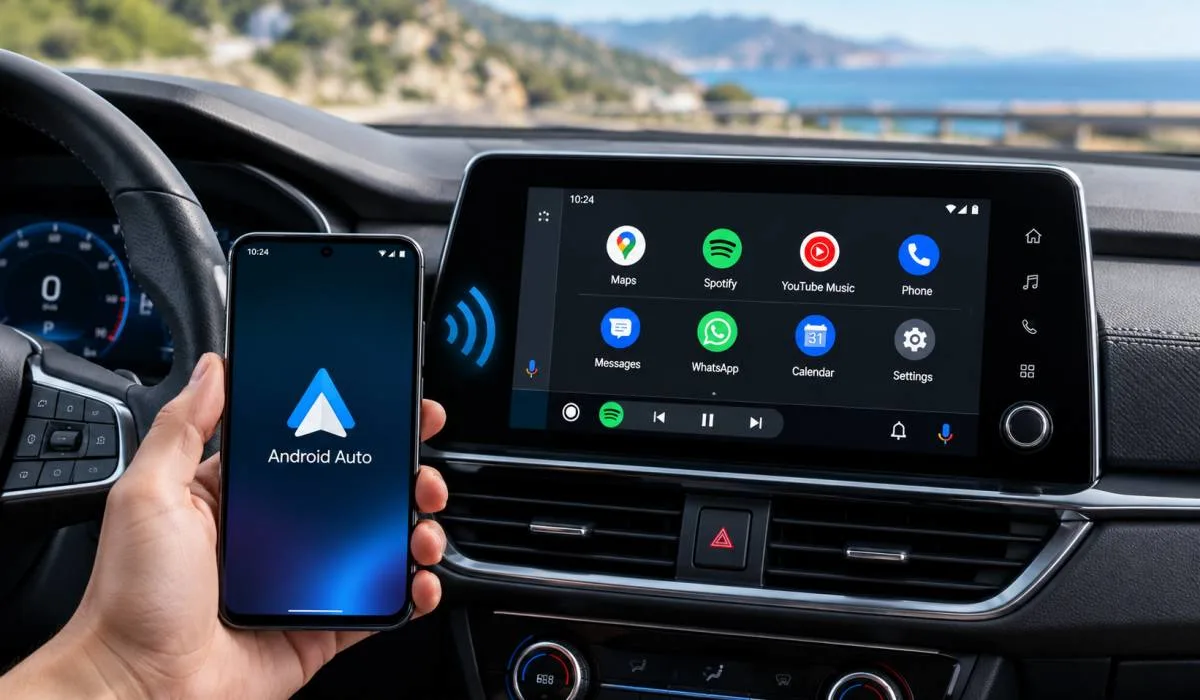
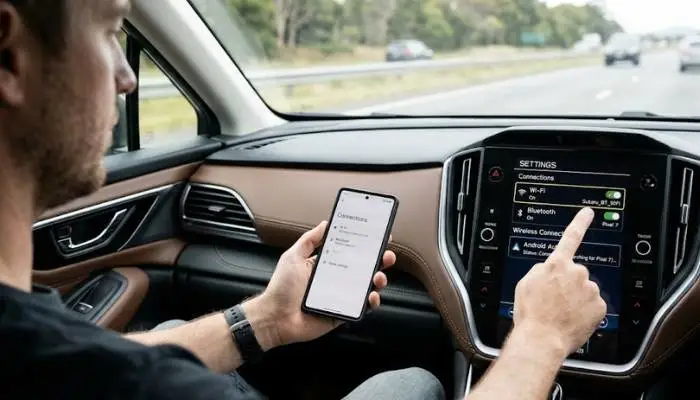
Turn on Bluetooth and Wi-Fi on your phone. Turn on your car and keep it in park. Open the car's Settings menu. Tap Bluetooth and pair your phone . Follow the prompts on both screens. Once paired, Android Auto should launch automatically every time you get in . If your car does not have this option, keep reading.
Read More: Latest Android Auto Features 2026: What's New and Improved
The Easiest Fix: Use a Wireless Adapter
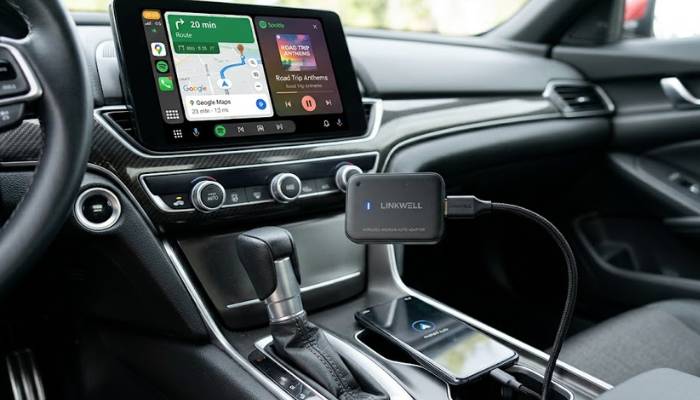
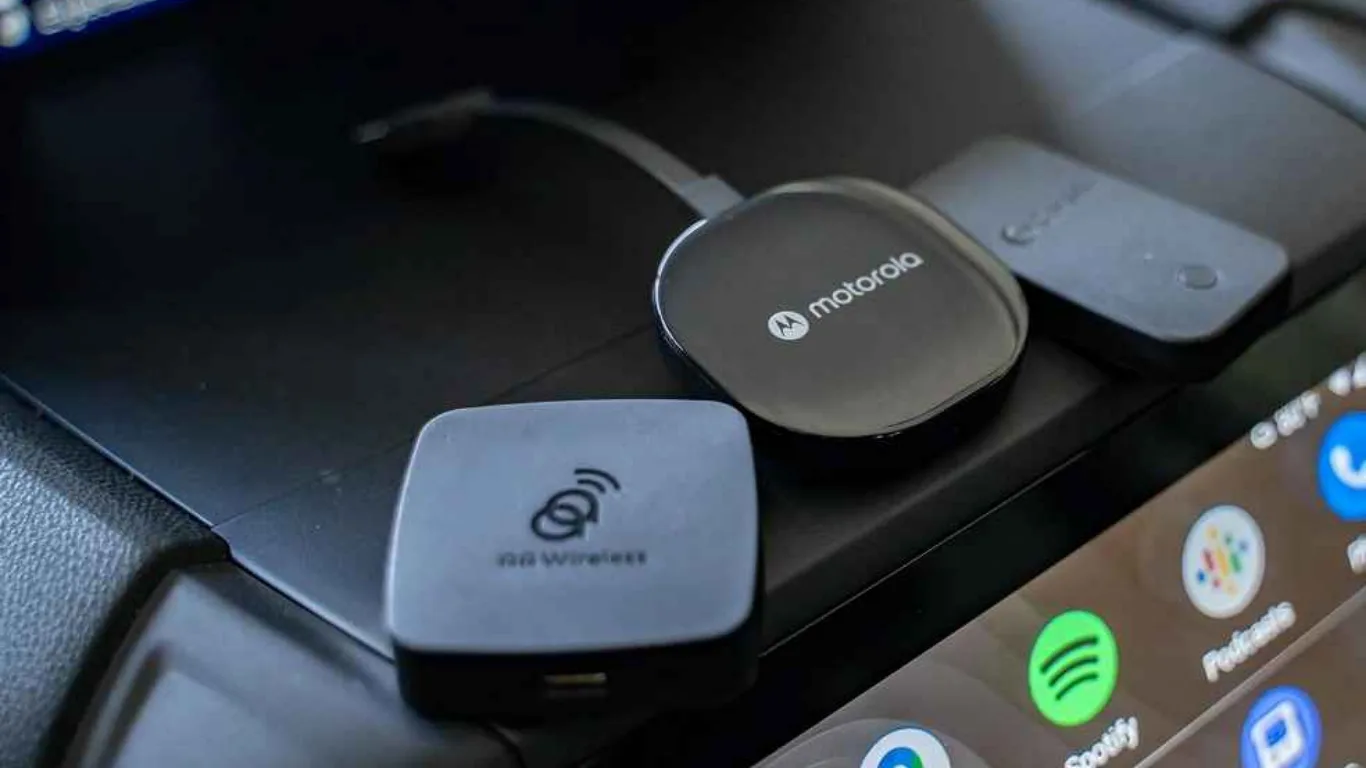
A wireless adapter is a small dongle that plugs into your car's USB port. It tricks the car into thinking your phone is plugged in. But the connection happens over Bluetooth and Wi-Fi. No cable needed.
This is the most popular solution. It works with almost any car that has wired Android Auto. Setup takes a minute. After that, you leave it plugged in and forget about it.
How to Set Up an Adapter?
Plug the adapter into the USB port you normally use for Android Auto. Wait 10 to 15 seconds for it to power up. Open Bluetooth on your phone. Look for the adapter's name. Pair with it. Grant the permissions it asks for. Android Auto should launch on your car screen within seconds .
The first setup takes a minute or two. After that, the adapter connects automatically every time you start the car. It usually takes 10 to 25 seconds to boot up and connect .
Wireless Android Auto Adapter Under 500
Here is the hard truth. You will not find a reliable wireless Android Auto adapter for under 500 rupees. The technology costs more than that. Adapters that claim to work at that price are usually fake or broken.
The cheapest reliable options in India start around Rs. 2,200 to Rs. 2,300. That is the Portronics Tune. It is a small dongle that converts wired Android Auto and Apple CarPlay to wireless .
Portronics Tune: What You Get
The Portronics Tune is compact. It looks like a USB pen drive. It plugs into your car's USB-A port. Setup is simple. Pair it once. Then it connects automatically .
Pros:
- Compact and lightweight
- Plug-and-play setup
- Fast connection speed
- Stable media streaming
- Works with both Android and iOS
- Does not affect factory controls
Cons:
- Call quality could be better
- Needs an adapter for USB-C ports
- Increases phone battery use
- Only 6-month warranty
- No official firmware support
For the price, it is a solid entry-level option. Just do not expect premium performance.
Portronics Wireless Android Auto Adapter: Is It Worth It?
Portronics makes two main products. The Tune and the Tune Prime. They are very different.
Portronics Tune
- This is the budget option. Around Rs. 2,200 to Rs. 2,300. It does one job. It makes your wired Android Auto wireless. It does it reasonably well. Connection is stable. Media streaming works. Calls are acceptable but not great .
- Buy this if you want the cheapest reliable way to cut the cable.
Portronics Tune Prime
- This is not just an adapter. It is a mini Android computer for your car. It costs around Rs. 11,999 . It has its own Snapdragon processor, 4GB RAM, 64GB storage, and a 4G SIM slot. It runs full Android apps directly on your car screen. YouTube. Netflix. Google Maps. Spotify .
- It supports wireless Android Auto and CarPlay. But it also does much more. You can install apps directly on it. It does not need your phone at all for some functions .
The catch? User reviews are mixed. Some love it. Others report GPS failures, random restarts, and overheating. One reviewer said it reached 86°C during a trip. Another said it stopped working after three months .
Buy this only if you want the extra features and are willing to risk the issues. If you just want wireless Android Auto, the cheaper Tune is the safer bet.
How to Convert Wired Android Auto to Wireless Without an Adapter?
There is no official way to do this without an adapter. But there are workarounds.
Option 1: Use a Portable Screen
- If your car does not have Android Auto at all, you can buy a portable display. These sit on your dashboard. They support wireless Android Auto and CarPlay. They cost as little as $50 (around Rs. 4,000) .
- They use your car's cigarette lighter for power. Audio goes through Bluetooth or an aux cable. Setup is similar to a built-in system. The downside is cables. Power and audio wires can clutter your dashboard .
Option 2: Rooted Head Units (Advanced)
Some Android head units can run wireless Android Auto through third-party software. Projects like Open Headunit and Headunit Revived add Wi-Fi Direct support. This lets your phone connect to the head unit without a cable .
Warning: This is complicated. It only works on a limited number of head units. It requires technical skills. It is not for beginners. If you break something, you are on your own.
Option 3: Wireless Helper Apps
Some apps claim to enable wireless Android Auto on rooted devices. They are not official. They do not work on most cars. They can cause connection drops and bugs. Unless you are comfortable with technical tinkering, skip this .
You May Also Read: Best Android Auto Apps for Driving Beyond Maps and Music
Which Option Should You Choose?
- If your car has wireless built in: Just pair it. No cost. No extra hardware .
- If your car only has wired Android Auto: Buy the Portronics Tune or a similar adapter. It is the simplest, most reliable fix. Budget around Rs. 2,200 .
- If you want more than wireless: Consider the Portronics Tune Prime. But read the reviews first. It has issues .
- If you have no Android Auto at all: A portable screen is your best option. Around Rs. 4,000 for a basic model .
- If you are technical and adventurous: Look into rooted head unit projects. But expect a steep learning curve.
FAQs
1. How do I convert wired Android Auto to wireless?
Buy a wireless adapter. Plug it into your car's USB port. Pair it with your phone via Bluetooth once. After that, it connects automatically every time you start the car .
2. Can I convert wired Android Auto to wireless without an adapter?
Not officially. Some rooted head units can do it with third-party software. But it is complicated and only works on specific hardware. For most people, an adapter is the only practical option .
3. How do I connect Android Auto wirelessly?
If your car supports it, turn on Bluetooth and Wi-Fi on your phone. Pair your phone with your car's Bluetooth. Follow the prompts. Android Auto should launch automatically .
4. Is there a wireless Android Auto adapter under 500 rupees?
No. Reliable adapters cost more. The cheapest reliable option in India is around Rs. 2,200. Anything under 500 is likely fake or non-functional .
5. What is the Portronics wireless Android Auto adapter?
Portronics makes the Tune (around Rs. 2,200) and the Tune Prime (around Rs. 12,000). The Tune is a simple wireless adapter. The Tune Prime is a full Android computer for your car with its own processor and SIM slot .
6. Why does my wireless Android Auto keep disconnecting?
Wireless interference, outdated firmware, or a cheap adapter can cause drops. Try restarting Bluetooth and Wi-Fi. Move the adapter away from other electronics. If it keeps happening, the adapter may be faulty .
7. Does wireless Android Auto use Bluetooth or Wi-Fi?
Both. Bluetooth handles the initial pairing and authentication. Wi-Fi (5 GHz) handles the actual data transfer for the screen and apps .
8. Can I use a wireless adapter with any car?
No. The adapter needs a car that already has wired Android Auto. If your car does not have wired Android Auto, an adapter will not work. You need a portable screen instead .
.

.webp)