Latest Android Auto Features 2026: What's New and Improved
Google keeps updating Android Auto. New features arrive all the time. But it is hard to keep track. You open your car screen one day and things look different. The logo changed. The menus moved. New apps appear. The latest Android Auto features in 2026 include a fresh design, video playback while parked, and Gemini AI that understands what you really need.
Navigation is more detailed. Voice control is smarter. The interface adapts to any screen shape. This guide covers the real updates that matter. No fluff. Just what changed and how it works for you.
What is the latest version of Android Auto?
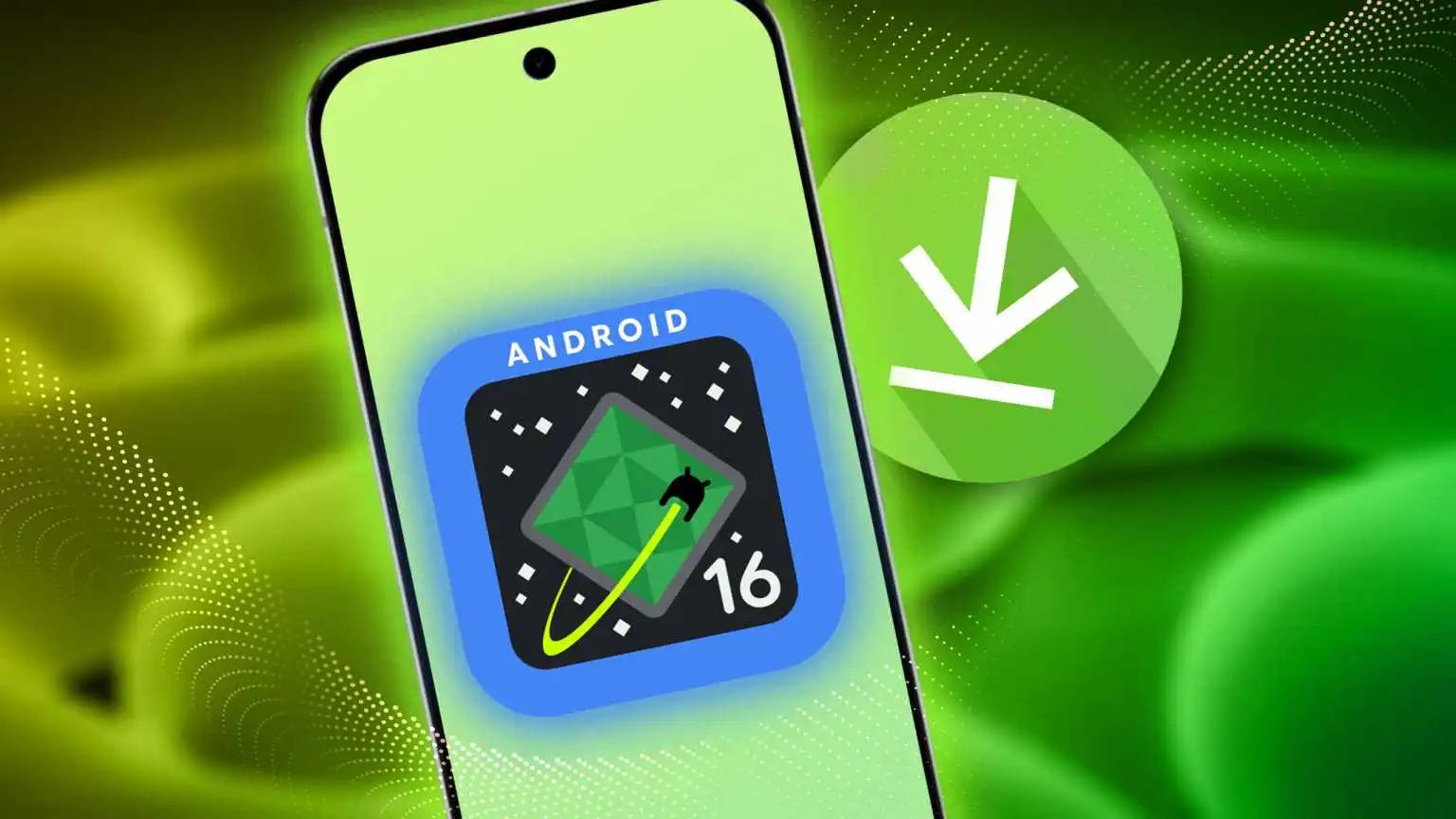
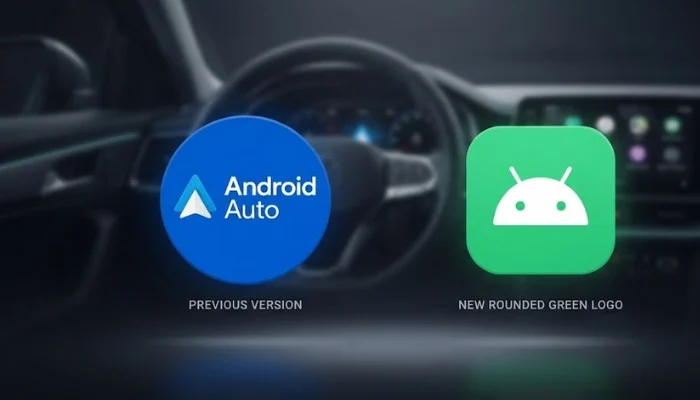
The latest version is Android Auto 17.6, which started rolling out in September 2026 . This update prepares your system for the bigger changes Google announced earlier in the year. The most obvious change is the new logo. Android Auto swapped its classic blue icon for a rounded green one . This matches the look Google is using across its other apps.
Read More: Best Android Auto Apps for Driving Beyond Maps and Music
New Design and Interface
Material 3 Expressive
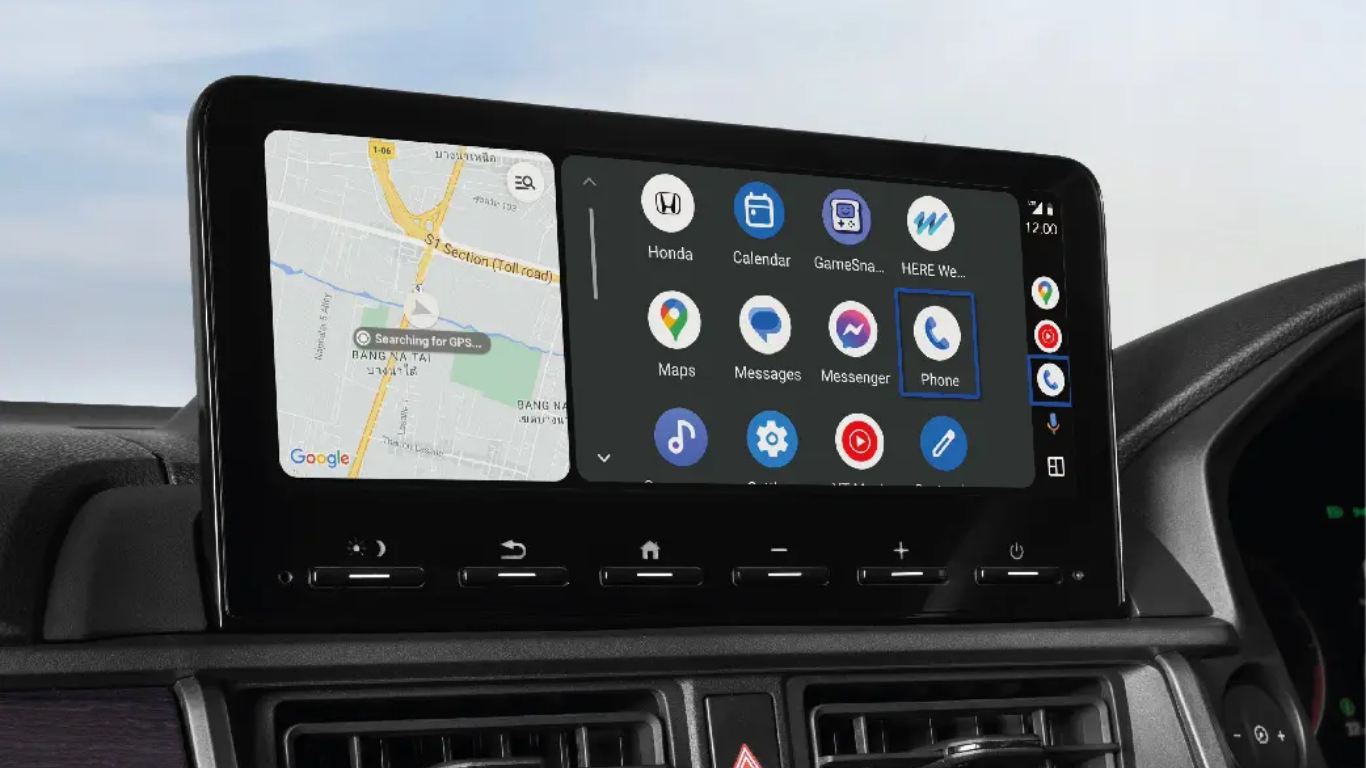
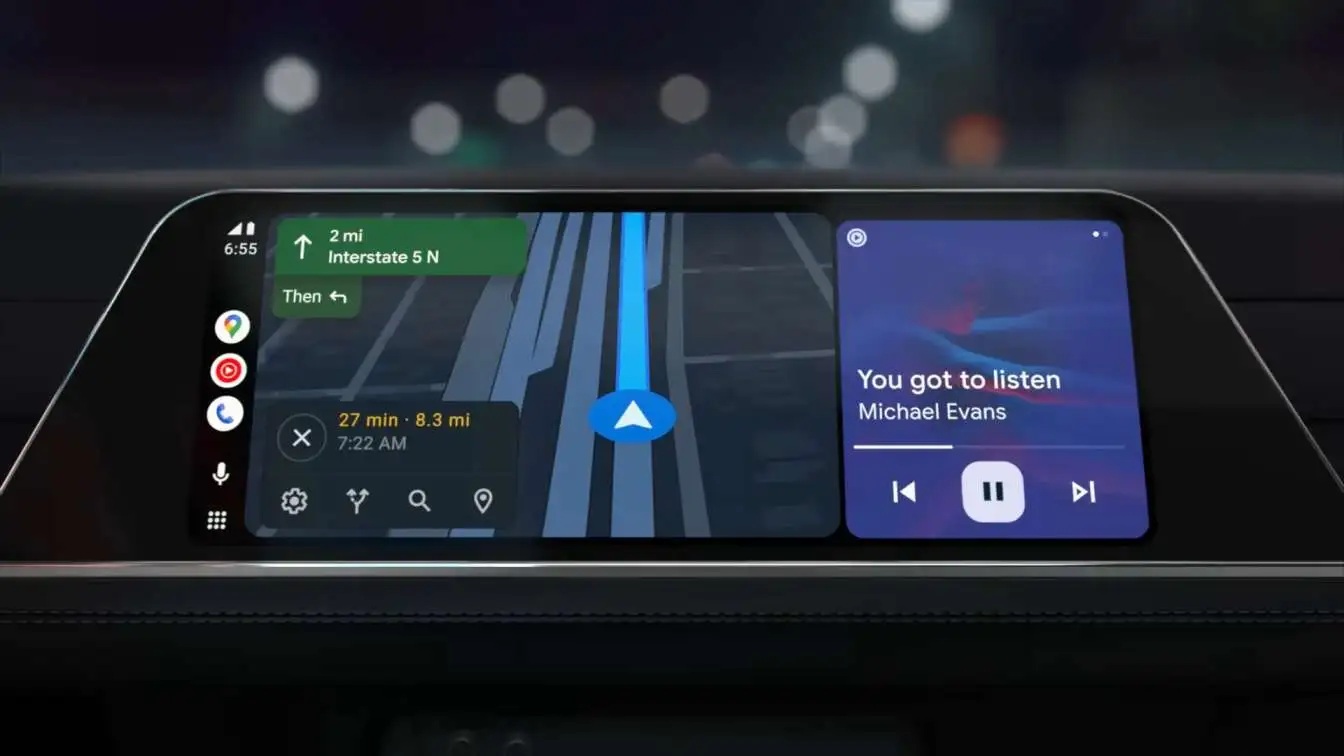
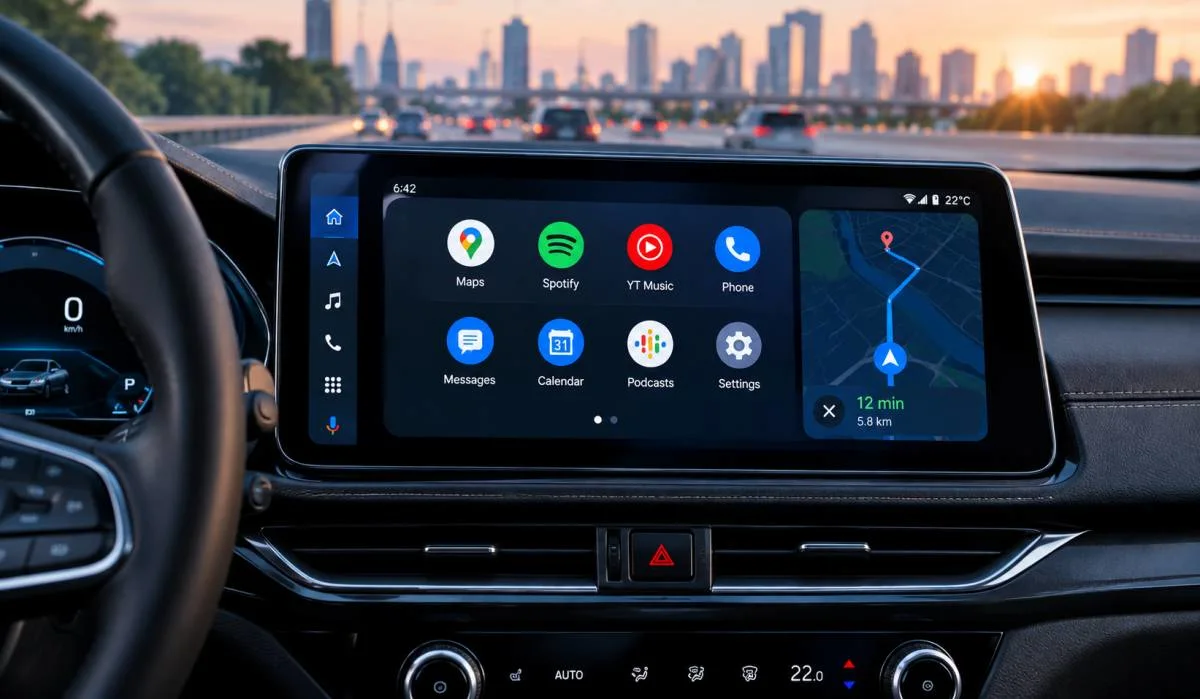
The biggest visual change is the move to Material 3 Expressive design . Your car screen now has smoother animations and cleaner fonts. The interface adapts to any screen shape. Whether you have a wide curved display, a vertical screen, or even a round one like in some new Mini models, the layout fits .
Customizable Widgets
You can now add widgets to your home screen . Keep weather updates, your favorite contacts, or a shortcut to open your garage door right where you can see them. No more digging through menus while driving .
Google Maps Gets a Big Upgrade
Immersive Navigation
Google calls this the biggest Google Maps update in over ten years . Instead of a flat map, you get a vivid 3D view of buildings, terrain, and overpasses . The system highlights specific lanes, traffic lights, and stop signs . This helps you feel less stressed in unfamiliar areas.
Live Lane Guidance
For cars with Google Built-In, the system uses the front-facing camera to know exactly which lane you are in . It gives you real-time advice as you change lanes or take exits. It is like having a co-pilot who never looks away from the road.
Video Playback While Parked
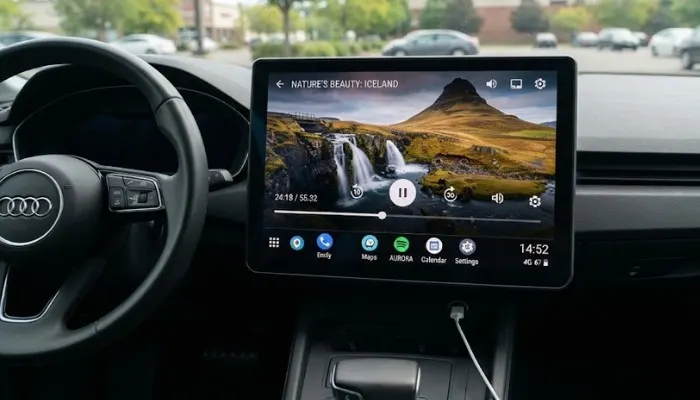
For the first time, Android Auto now supports Full HD video at 60 frames per second . You can watch YouTube and other apps while your car is parked or charging. When you shift into gear, the video switches to audio-only mode so you can keep listening to podcasts or music without the distraction . This feature works on cars from BMW, Ford, Genesis, Hyundai, Kia, Mercedes, and Volvo .
Dolby Atmos and Better Audio
The update brings spatial sound through Dolby Atmos for supported vehicles . Brands like BMW, Volvo, Mercedes-Benz, and Genesis offer this. Spotify and YouTube Music also got redesigned for easier, less distracting use while driving .
Gemini AI Replaces Google Assistant
Smarter Voice Control
Gemini AI now handles voice commands instead of the old Google Assistant . It is more conversational and understands context better. A feature called Magic Cue lets Gemini understand incoming texts . If someone texts asking for an address, Gemini can find it in your emails or calendar and offer to reply with a single tap .
Complex Tasks
If you have Gemini Intelligence enabled on your phone, you can do more complex things from your car . Order dinner through DoorDash. Ask about a dashboard warning light. Even calculate if that new TV you are buying will fit in your trunk . For cars with Google Built-In, Gemini can answer questions specific to your vehicle model .
What's in Android Auto 17.6?
The latest Android Auto 17.6 update came out on September 1, 2026 . Here is what you get:
New Green Logo
The old blue icon is gone. The new green rounded logo appears in the app selector and settings . It matches Google's current visual direction.
Quick Settings
Developers found code for Quick Settings in the update . You will soon see a Do Not Disturb toggle right in the notification panel. No more diving into settings menus to turn it on .
Weather Easter Egg
There is a hidden feature called "Jimothy Mode" . A raccoon named Jimothy pops up on the music widget and shows the weather with fun animations. It is an easter egg and not something Google plans to roll out officially, but it shows Google is experimenting with making the interface more fun .
You May Also Read: How to Customize Android Auto Home Screen – A Complete
How to Find Android Auto on Your Phone?
If you are looking for Android Auto on your phone, the path depends on your device :
- Samsung Galaxy phones: Go to Settings > Connected devices > Android Auto
- Google Pixel phones: Go to Settings > Connected devices > Connection preferences > Android Auto
If you do not see it right away, just search for "Android Auto" in your Settings app .
When Will You Get These Features?
Google says these features will roll out gradually throughout 2026 . Android Auto users will see interface changes through phone updates. If your car has Google Built-In, the updates depend on your vehicle manufacturer's schedule . Not all features will work on all cars. Some need specific hardware support.
The Bottom Line
Android Auto in 2026 is a big step forward. The new design makes your car screen look better and work smarter. The navigation is more detailed and easier to follow. You can finally watch videos while waiting for your car to charge. And Gemini AI turns your car into a helpful assistant that actually understands what you need.
If you have not updated yet, check your phone's Google Play Store. The latest version is rolling out now. Your driving experience is about to get a whole lot better.
FAQs
1. What version of Android Auto is out now?
Version 17.6. It came out in September 2026. The blue logo is gone. It is green now. That is the first thing you notice.
2. Can I watch YouTube on my car screen?
Yes, but only when parked. You get Full HD video. Once you start driving, the video turns off. You can still hear the audio. Good for podcasts and music. Works on BMW, Ford, Hyundai, Kia, Mercedes, and Volvo.
3. What does Gemini AI do in the car?
Gemini replaces the old Assistant. It understands you better. Someone texts an address. Gemini finds it and offers to reply. You can order food. Ask about warning lights. Check if furniture fits your trunk. All hands-free.
4. How do I find Android Auto on my phone?
Samsung: Settings > Connected devices > Android Auto. Pixel: Settings > Connected devices > Connection preferences > Android Auto. Or just search "Android Auto" in Settings.
5. When do I get these features?
Rolling out through 2026. Phone users get updates through Google Play. Built-in car systems depend on your car maker. Not all features work on every car. Some need special hardware.
.

.webp)